
How to Turn a Long Interview or Podcast into Short Clips That Stand on Their Own
Find the moments in a long interview or podcast that work as Shorts, Reels and TikToks: what makes a clip stand alone, how long it should be, and a real example.
In shortA good short clip is one idea that makes sense without the rest of the episode, with a clear start and a payoff at the end. An AI agent can read the whole transcript, find those moments, cut them on sentence boundaries and write a hook for each — you review, adjust and export.
Why most podcast clips do not work
Cutting a random 60 seconds out of an interview rarely gets views. The usual problems are easy to spot once you look for them:
- It needs context. The clip starts with “and so, as I said…”, and a viewer who missed the first hour is lost.
- It has no payoff. It ends before the punchline, the number or the conclusion that makes the moment worth sharing.
- It is two ideas. Half a story and half of the next question — nothing lands.
- It is the warm-up. Introductions, sponsor reads and small talk are the easiest to find and the least interesting to watch.
What makes a moment work as a standalone clip
The test is simple: would someone who has never heard of this podcast understand the clip and feel it was worth their time? If not, move the start, move the end, or pick another moment. Never stretch a clip to reach a length, and never cut a thought short to fit one.
How to turn a long interview into clips, step by step
- Upload the full recording Any talk-based video from 5 minutes to 3 hours: a podcast episode, an interview, a webinar, a lecture or a live stream. The video stays on your device; only the audio is transcribed.
- Choose a clip length — or let the AI decide Pick under 60 seconds, 60 to 90 seconds, or 90 seconds to 3 minutes, or leave it on Auto.
- The agent reads the whole transcript Good moments can sit anywhere — the best story of the episode is often in the last ten minutes — so it reads everything before it picks.
- It cuts the clips and writes a hook for each Clips appear one by one as it finds them, snapped to sentence boundaries. Then it checks every clip stands alone, varies the hooks, and puts the strongest clip first.
- Review and adjust Play any clip with its hook and subtitles, edit a hook or the times yourself, or ask in chat for more clips, shorter ones or a different angle.
- Export Choose vertical or horizontal, style the hook and the subtitles, and export one clip or all of them. Rendering happens in your browser.
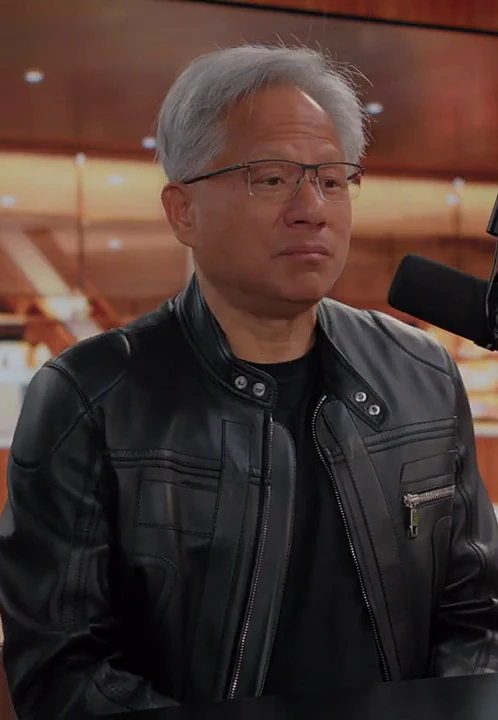
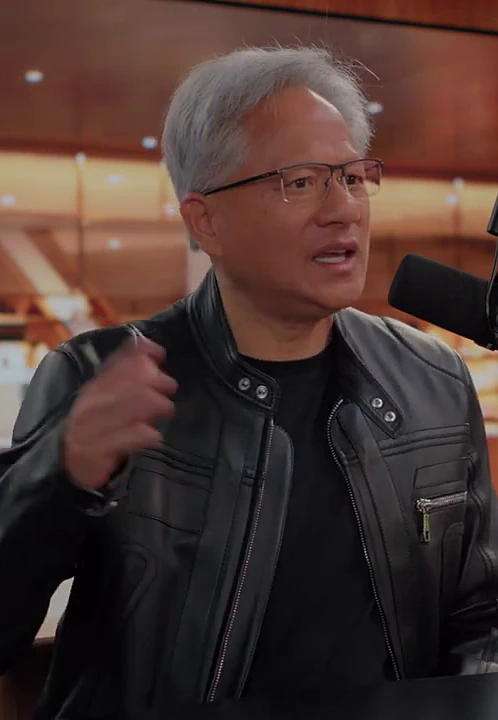
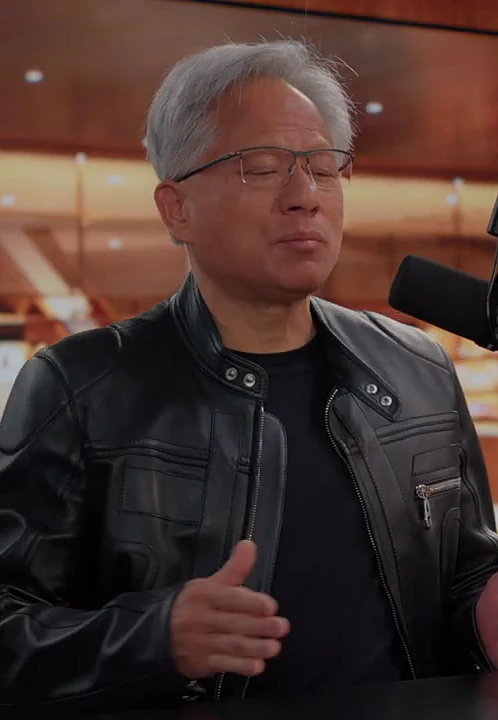
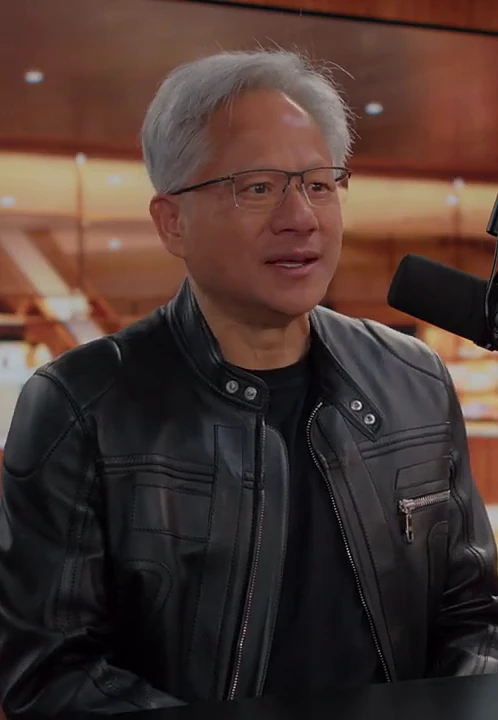
A real example: 18 clips from a 1 hour 43 minute interview
We gave Smart Clip a long interview with Jensen Huang and one sentence: find the moments that work as short clips and write a hook for each. It read the whole transcript, cut 18 clips — about one every 6 minutes — then re-checked its picks, tightened several ranges and hooks, and reordered the list so the strongest clip came first. Here are five of them:
| Where in the video | Length | Hook |
|---|---|---|
| 47:36 – 48:34 | 59s | Everyone said Nvidia would never survive |
| 1:20:28 – 1:21:28 | 61s | “We are not losers!” Jensen fires back |
| 1:32:26 – 1:33:11 | 45s | Chips 75% better, yet 50× faster? |
| 03:22 – 04:26 | 64s | More AI agents, more money for software companies? |
| 44:16 – 44:50 | 34s | CUDA burned money for 20 years. Why keep going? |
Notice where they come from: the third minute, the 44th, the 80th, the 92nd. Nobody skimming the episode would have found all of them — that is the main reason to let an agent read the whole thing.
We wrote our request in Chinese, so the agent wrote the hooks in Chinese; they are translated here. Hooks follow the language of the video unless you ask for another one.
Change anything by chatting
The first set of clips is a starting point. Because an agent made them, you can ask for changes in plain words instead of dragging handles on a timeline:
- “Find three more clips about China.”
- “Make clip 7 end right after the punchline.”
- “Rewrite the hook of clip 2 as a question.”
- “Translate the subtitles of all clips into Spanish.”
It changes only what you asked for and keeps everything else as it was.
Before you post: a quick checklist
- The first second makes sense without context.
- The clip ends on the payoff, not after it trails off.
- The hook creates curiosity instead of summarizing the clip.
- Subtitles are on — most people watch Shorts and Reels without sound.
- Vertical 9:16 for Shorts, Reels and TikTok; horizontal 16:9 for YouTube and LinkedIn.
Frequently asked questions
How many clips should I get from a one-hour podcast?
Roughly one strong clip for every 3 to 5 minutes of conversation — 12 to 20 from an hour — more if the talk is dense with stories and opinions, fewer if it is not. Quality matters more than the count: one great clip outperforms five average ones.
What is the best length for a Short, Reel or TikTok?
As long as the idea needs and no longer. Most standalone moments land between 30 and 60 seconds. If you have a preference, choose it before you start; otherwise the AI picks the length that fits each moment.
Will the clips cut people off mid-sentence?
No. Clip edges snap to the start and end of a spoken line, so every clip begins where a thought begins and ends where it lands.
Can I change a clip after the AI made it?
Yes. Edit a hook or the start and end times yourself, or ask in chat — for example “make clip 4 shorter” or “find two more clips about hiring”.
Does it work for vertical and horizontal video?
Yes. Export every clip as vertical 9:16 for Shorts, Reels and TikTok, or horizontal 16:9 for YouTube and LinkedIn, with the hook and subtitles burned in.