
AI-powered video clipping
Turn Long Videos into
Viral Short Clips with AI
Podcasts, interviews, lectures, live streams, webinars — hours of great content that most people never see. Fast Video Clip turns them into short clips ready to post, in minutes.
- Free credits to get started
- No subscription, pay as you go
- Translate into 17 languages
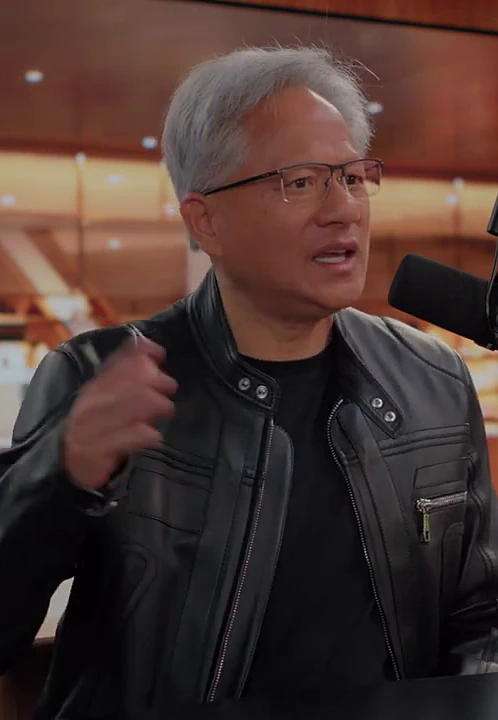
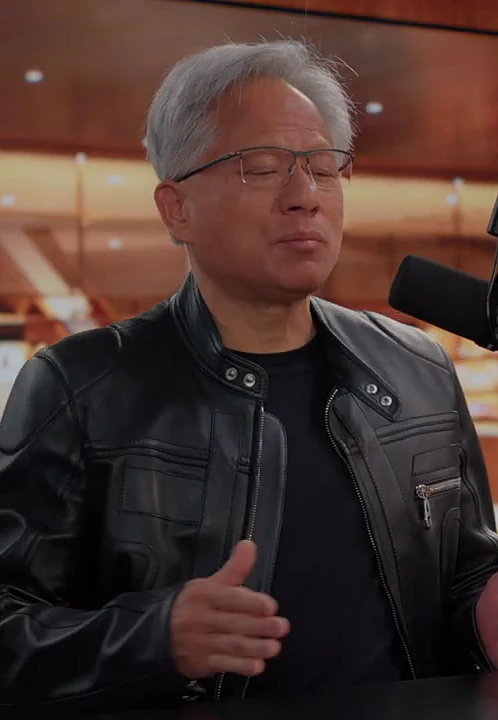
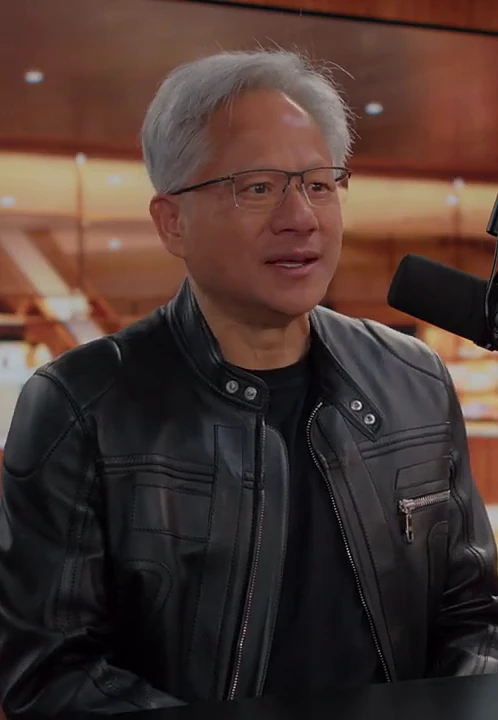
Built for Anyone Who Talks on Camera
If you create long-form video content, you're leaving reach on the table.
PodcastersEducators & CoachesLive StreamersPublic SpeakersYouTubersWebinar HostsInterviewersContent Creators
How It Works
From raw recording to shareable clips in four steps.
- 1
Drop In Your Video
Choose any recording — a podcast episode, a live stream, a lecture, a webinar. However long it is. It stays on your device.
- 2
We Create the Subtitles
Your speech is transcribed into accurate, timestamped subtitles. This is what powers everything next.
- 3
AI Finds the Best Moments
An AI agent reads the whole transcript, picks the most engaging moments and writes a hook for each one. Ask it in chat for more clips, shorter ones or different hooks — or edit them yourself.
- 4
Export and Post
Ask the agent to translate hooks or subtitles if you want, choose your format, and export. All clips are rendered and ready to upload.
What You Get
Everything you need to go from a long recording to a batch of polished, ready-to-post clips.
Refine It by Chatting
The AI agent keeps working with you: ask for more clips, shorter ones, other hooks or a translation, and it changes the clips. Or edit hooks and times yourself.
Ready for Every Platform
Export vertical clips for TikTok, Reels and Shorts, or horizontal for YouTube — from the same source video.
Reach a Global Audience
Translate subtitles and hook text into 17 languages. Show both languages at once to connect with more viewers.
Hooks That Stop the Scroll
Each clip gets an AI-written hook overlaid on the first few seconds. Edit it to match your voice.
Your Brand, Your Style
Pick the hook font and the colors and sizes of hooks and subtitles. The same style is applied to every clip you export.
Your Video Stays on Your Device
Cutting, subtitles and export run in your browser. Only the audio track is sent for transcription — we never receive your video.
Movie & Video Recap
From a 2-Hour Movie to a 5-Minute Narrated Recap
Upload a movie, an episode or an interview. The AI agent reads the whole story, picks the moments that tell it, writes a line of commentary for each and voices it — then cuts the original footage to match. No script to write, no timeline to edit.
- The AI writes the script in the style you pick: humorous, suspense, dramatic, documentary or sharp
- Commentary in any language, whatever language the video is in
- The best original lines stay: after a voiceover, the scene plays on with its own sound, subtitled
- Change it by chatting: a punchier opening, another voice, a different order
- Exported as MP4 in your browser — the video never leaves your device
Works best with dialogue-driven videos — movies, series, interviews — since the AI follows the story through what is said.
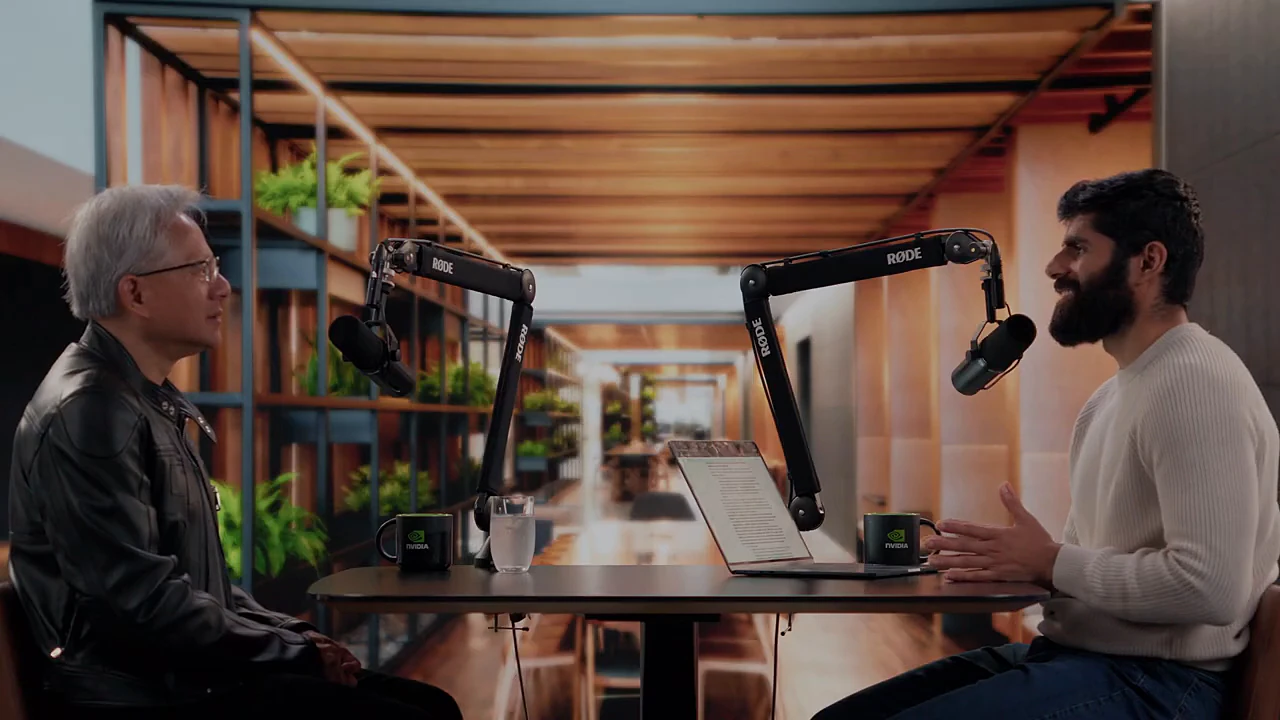 Voiceover The most surprising bottleneck in the supply chain? Plumbers and electricians.
 A real recap made with Video Recap
1:43:12 → 05:35
20 moments from across a 103-minute interview, joined into 9 narrated beats.
AI agent
One message from you. The agent does the rest.
It is not a template filling in blanks. The agent decides what to read, plans the story, writes and records every line, watches its own cut, fixes what doesn’t fit — then waits for your next message.
- 30actions on its own
- 11transcript pages read
- 9voiceovers written and recorded
- 4fixes after checking its own cut
Make a recap of this video: pick the key moments, write a voiceover line for each, and play them back to back. Voiceover language: same as the video. Commentary style: humorous.
The agent works on its own · 30 actions
✓get_video_infoChecked the video
✓get_transcript ×11Read the whole transcript 00:00–1:43:12
✓list_voicesListed the voices
✓set_voiceChose a voice that suits a humorous style
✓ add_segmentAdded voiceover #1 · 00:32–00:38, 01:50–01:57 “Will AI turn Nvidia into a bargain-bin commodity too? Jensen’s answer is blunt: turning electrons into tokens is a craft that’s hard to copy.”
✓ add_segmentAdded voiceover #2 · 01:58–02:12, 02:37–02:48 “His playbook: do only what must be done and is ridiculously hard, and team up with partners for the rest. Sounds lazy — until the partners fill all five layers of the AI cake.”
✓ add_segmentAdded voiceover #3 · 03:22–03:32, 03:55–04:14 “Software companies, hold the funeral. Jensen sees it the other way round: with AI agents beside every engineer, tool usage may not shrink — it may take off with them.”
✓ add_segmentAdded voiceover #4 · 13:00–13:12, 13:30–13:54 “The most surprising bottleneck in the supply chain? Plumbers and electricians. Chips can add capacity; workers can’t be copied with one click — so he brings up the radiologist shortage as a warning not to write jobs off too early.”
✓ add_segmentAdded voiceover #5 · 31:11–31:36, 31:50–32:19 “On rivals, he compares Nvidia to an F1 car: anyone can drive one, not everyone can push it to the limit. His team tunes customers’ models, sometimes doubling their speed — chip specs alone won’t tell you that.”
✓ add_segmentAdded voiceover #6 · 40:08–40:24, 40:32–40:53 “He admits that early on he didn’t see how much money AI labs would need, and missed the chance to back them. Now he has invested in OpenAI and Anthropic — this time he won’t miss the bus.”
✓ add_segmentAdded voiceover #7 · 44:07–44:34, 46:31–46:45, 46:55–47:00 “The host presses: why doesn’t Nvidia run its own cloud? Jensen’s rule is “do what’s necessary, as little as possible” — go all in on the platform, help partners run the clouds.”
✓ add_segmentAdded voiceover #8 · 1:00:01–1:00:20, 1:28:31–1:28:49 “The hottest topic: should chips be sold to China? From compute and energy all the way to national security, Jensen insists you don’t hand a market to others — or scare people into seeing AI as a nuclear bomb.”
✓ add_segmentAdded voiceover #9 · 1:39:49–1:40:05, 1:40:37–1:40:58, 1:42:49–1:43:10 “Back to Nvidia’s roots to close: even without AI, GPUs speed up science, engineering and graphics. AI is the big show, but this company isn’t planning a one-act play.”
✓list_segmentsWatched the whole cut as a viewer would
↻update_segment ×4Swapped the shots of segments #1, #2, #7, #8 so the picture matches the line
✓list_segmentsChecked the cut again
AIDone: a humorous recap that runs from Nvidia’s AI moat, the supply-chain bottlenecks and its investment bets to the China chip debate and what GPUs do beyond AI. 9 segments, about 5 min 35 s.
Your turn
Translate the subtitles of the original dialogue in all segments into Simplified Chinese.
✓translate_captionsTranslated the dialogue subtitles into Simplified Chinese
AIDone: the original dialogue that plays after each voiceover now has Simplified Chinese subtitles.
-
You choose the language and the style
That is all you do. The voiceover can even be in another language than the video.
Voiceover language: Same as the video Commentary style: Humorous -
The AI reads the whole video
It follows the story through what is said, from the first minute to the last, so a question from minute 2 can meet its answer from minute 13.
✓Read the transcript 00:00–1:43:12
✓Picked 20 moments for 9 beats
-
It writes a line for each beat and picks the shots
One line of commentary per beat, voiced by an AI voice and laid over the shots that show it — even when they are far apart in the video.
4“The most surprising bottleneck in the supply chain? Plumbers and electricians. Chips can add capacity; workers can’t be copied with one click — so he brings up the radiologist shortage as a warning not to write jobs off too early.”
13:00–13:1213:30–13:54
-
The voice speaks, then the scene plays on
After the voiceover, the original sound comes back for the line worth hearing — with subtitles, translated if you ask.
Nobody's, the world's not going to need any more radiologists.世界不再需要更多放射科医生了。
Guess what we're short of?猜猜我们缺什么?
Radiologists.放射科医生。
-
Change anything in chat, then export
Ask for a punchier opening, another voice or translated subtitles. The MP4 is rendered in your browser.
Translate the subtitles of the original dialogue in all segments into Simplified Chinese.
✓Translated the dialogue subtitles into Simplified Chinese
Multilingual subtitles
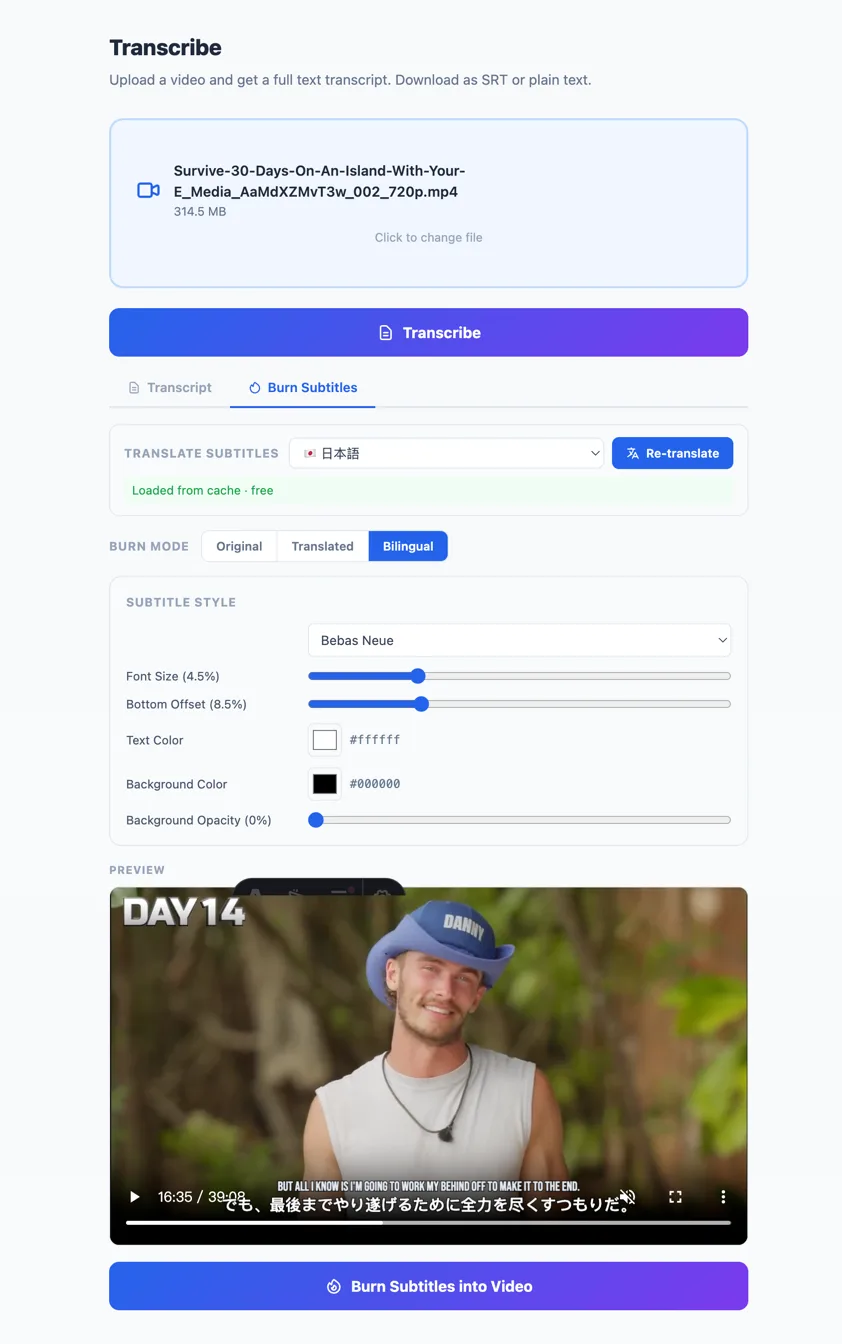
Transcribe, Translate, and Burn — in One Flow
Upload your video, get an accurate transcript, translate it into any of 20 languages, then burn bilingual subtitles directly into the video. No third-party tools, no manual work.
- Accurate AI transcription with timestamps
- One-click translation into 20 languages
- Bilingual subtitles: original + translation stacked
- Download as SRT, bilingual SRT, or burn into MP4
More Tools, All Included
Beyond Smart Clip, you get a full suite of browser-based video tools — no extra software, no uploads to third parties.
All Free to Use All standalone tools are completely free — no credits needed. Only Smart Clip's AI features cost credits.
Pay Only for What You Use
No subscription. No monthly fees. Buy credits and use them whenever you need.
Export is always free — you only pay for transcription, the AI agent, and translation.
Frequently Asked Questions
How long does it take to process a video?
Transcription takes a minute or two for most videos. Then the AI agent goes through the transcript and clips appear as it finds them — usually within a few minutes. If you open the same video again, your clips and conversation are restored automatically.
Can I edit what the AI suggests?
Absolutely. Edit hook text and clip start and end times yourself, or just ask the agent in chat — "make clip 3 shorter", "find more clips about pricing", "punchier hooks" — and it updates the clips.
How does translation work?
Pick a language and the agent translates the hooks, the subtitles, or both — for every clip or just the ones you name. You can show the original, the translation, or both at the same time. Translations are saved with your clips.
What formats can I export?
All clips export as MP4. You choose portrait (9:16) for TikTok, Reels, and Shorts, or landscape (16:9) for YouTube and other platforms.
Does AI clipping actually work?
For talk-based video, yes. The AI agent reads the full transcript to find self-contained moments with a strong hook, and every cut is aligned to the transcript's line breaks so clips don't start or end mid-word. It works best for podcasts, interviews, lectures and streams — music or purely visual videos have little speech to work with.
Do I have to upload my whole video?
No. Your video stays in your browser. Only a compressed audio track is uploaded for transcription — clips are cut, captioned and exported locally on your device.
What is Movie & Video Recap?
A second product on the same account: choose a movie, an episode or any long video and the AI makes a short recap with voiceover commentary, the way movie-recap channels do. You pick the voiceover language and style, refine the recap in chat and export an MP4. It uses the same credits, and the video stays in your browser.
Can I make AI clips for free?
Yes. New accounts get free credits to try transcription and AI clipping on your own videos. Exporting clips is always free and never adds a watermark.
How much does it cost?
You pay with credits for transcription, the AI agent and translation, only for what you actually use — no monthly fees. Export is always free. See the pricing page for the current rates and a cost calculator.
Your Next Clip Is Already in That Recording
Stop letting great content go unseen. Turn it into clips people will actually watch.
Start Clipping